
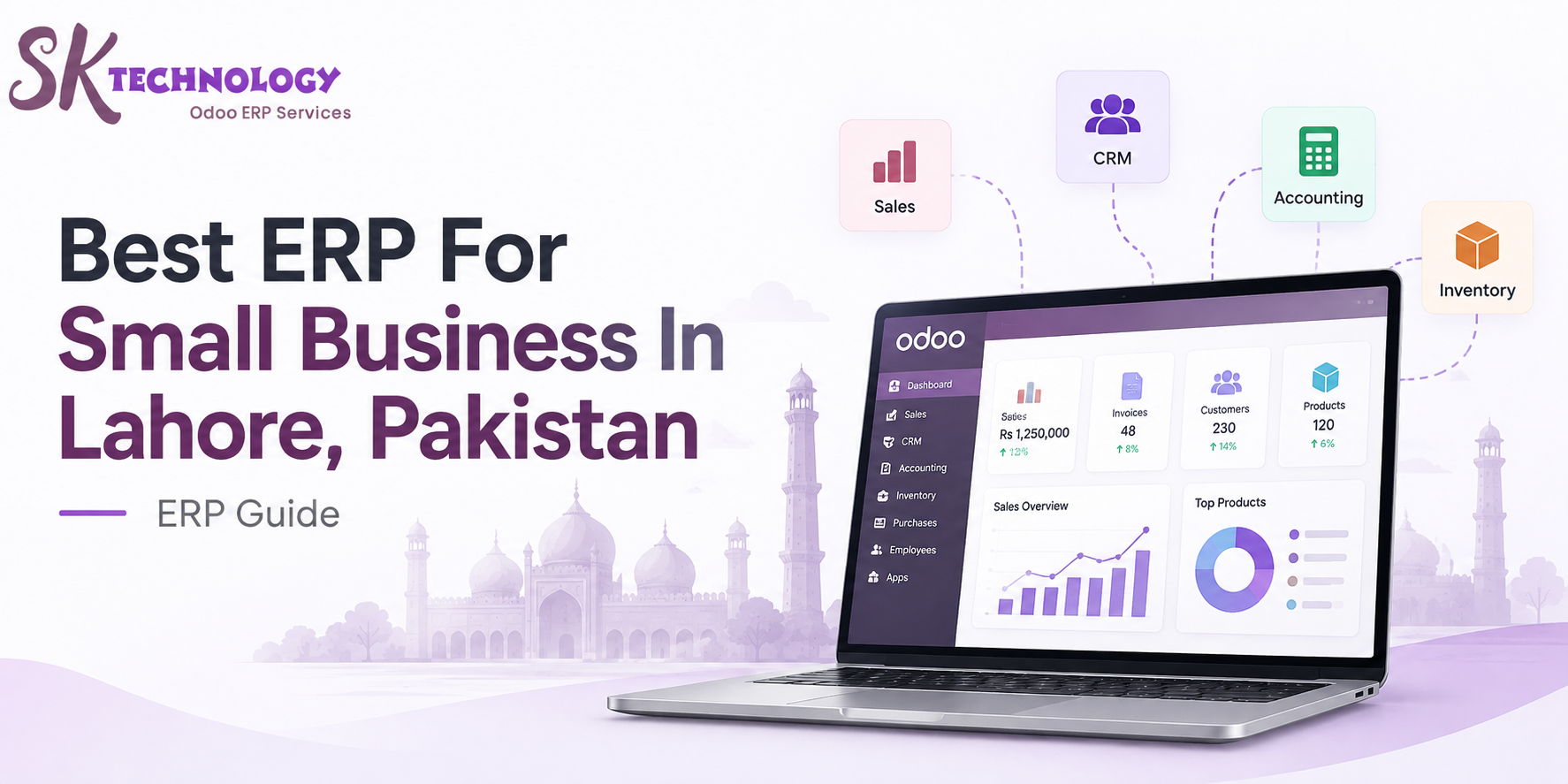
Small businesses in Lahore are increasingly using Enterprise Resource Planning (ERP) systems to manage essential operations such as accounting, sales, inventory, purchasing, customer relationship management (CRM), and business reporting through a centralized platform.
Selecting the right ERP depends on factors such as business size, industry requirements, workflow complexity, scalability, and future growth plans. Modern ERP solutions like Odoo ERP, SAP Business One, Microsoft Dynamics 365 Business Central, and ERPNext help SMEs integrate different departments, improve data visibility, and automate daily business processes.
SK Technology provides practical knowledge and insights about ERP systems, business automation, and digital transformation to help organizations understand modern business software solutions. This guide explains how small businesses evaluate ERP platforms, compare ERP features, understand essential modules, and choose suitable ERP solutions for improving operational efficiency in Lahore and Pakistan’s growing SME ecosystem.
What Is ERP and Why Small Businesses Use It?
Enterprise Resource Planning (ERP) is an integrated business management system that connects different departments, processes, and data into a single platform. Small businesses use ERP software to organize operations, reduce manual work, improve data accuracy, and make better decisions using real-time information.
Understanding Enterprise Resource Planning Software
ERP software combines core business functions such as accounting, inventory management, sales, purchasing, CRM, human resources, and reporting into one centralized system. Instead of managing separate tools or spreadsheets, businesses can access connected data through a unified platform.
How ERP Helps Small Businesses Manage Operations
For small businesses, ERP improves operational visibility by automating workflows, tracking transactions, managing resources, and providing accurate business reports. It helps companies standardize processes, reduce errors, and create a scalable foundation for future growth.
Key ERP Requirements for Small Businesses in Lahore
Small businesses require ERP systems that match their daily operational needs, industry processes, and growth objectives. In Lahore’s SME environment, common ERP requirements include managing financial records, inventory movement, customer relationships, sales activities, and business performance through connected modules.
Accounting and Financial Management
ERP accounting modules help businesses manage invoices, expenses, payments, taxes, financial reports, and cash flow tracking in one system. This reduces dependency on manual records and provides better visibility into business performance.
Inventory and Supply Chain Management
Inventory and supply chain modules help businesses monitor stock levels, product movement, purchasing, warehouses, and supplier information. These tools support accurate inventory planning and reduce issues related to overstocking or stock shortages.
Sales and Customer Management
ERP sales and CRM modules organize leads, quotations, sales orders, customer information, and communication history. They help businesses create structured sales processes and maintain better customer data.
Reporting and Business Analytics
ERP reporting tools convert operational data into meaningful insights through dashboards, financial reports, sales analysis, and performance metrics. These analytics help business owners and managers make informed decisions based on real-time information.
Best ERP Options for Small Businesses
Small businesses have different ERP requirements based on their industry, operational complexity, and growth plans. Popular ERP platforms such as Odoo ERP, SAP Business One, Microsoft Dynamics 365 Business Central, and ERPNext provide integrated solutions for managing business processes through centralized systems.
Odoo ERP
Odoo ERP is an open-source, modular enterprise resource planning platform that helps businesses manage multiple operations through connected applications. It provides solutions for SMEs by combining business functions such as accounting, sales, inventory, CRM, HR, and project management within one ecosystem.
Modules Available in Odoo ERP
Odoo offers different business applications that can be selected according to organizational needs, including:
- Accounting: Financial transactions, invoices, payments, and reporting
- Sales: Quotations, sales orders, and customer management
- Inventory: Stock tracking, warehouses, and product movement
- CRM: Lead management and customer interactions
- Purchase: Vendor management and procurement workflows
- HR Management: Employee records, attendance, and related processes
- Manufacturing: Production planning and operational management
Why SMEs Consider Modular ERP Systems
Modular ERP systems allow small businesses to start with only the applications they need and add more functionality as their operations expand. This approach helps SMEs manage implementation complexity, improve process integration, and build an ERP system that aligns with their evolving business requirements.
Microsoft Dynamics 365 Business Central
Microsoft Dynamics 365 Business Central is an ERP solution designed for small and medium-sized businesses that need integrated management of finance, sales, purchasing, inventory, and operations within the Microsoft ecosystem.
ERP Features for Growing Businesses
Key features include:
Financial management and accounting
Inventory and supply chain management
Sales and purchasing workflows
Business reporting and analytics
Integration with Microsoft tools such as Excel and Power BI
SAP Business One
SAP Business One is an ERP platform developed for small and medium enterprises that require structured management of financial, operational, and customer-related processes.
ERP Capabilities for Small and Medium Enterprises
It provides:
- Accounting and financial control
- Inventory and warehouse management
- Sales and customer management
- Procurement processes
- Real-time business reporting
ERPNext
ERPNext is an open-source ERP system that provides integrated applications for businesses looking for flexible and customizable software solutions.
Open-source ERP Approach
ERPNext includes modules for:
- Accounting
- Inventory
- CRM
- Manufacturing
- Human resources
- Project management
- Its open-source model allows organizations to customize workflows according to their specific business requirements.
How to Choose the Right ERP for a Small Business
Choosing the right ERP system requires understanding business needs, existing workflows, and future objectives. Small businesses should evaluate ERP solutions based on process requirements, required functionality, scalability, and implementation complexity.
Evaluate Business Processes
Before selecting an ERP, businesses should analyze current workflows, including finance, sales, inventory, purchasing, and customer management processes. Understanding existing challenges helps identify which ERP features are required.
Identify Required ERP Modules
Businesses should select ERP modules based on operational needs. Common modules include accounting, CRM, inventory, sales, purchase, HR, and reporting. Choosing relevant modules prevents unnecessary complexity.
Consider Scalability and Future Growth
A suitable ERP should support business expansion by allowing additional users, modules, integrations, and process improvements as the organization grows.
Analyze Implementation Requirements
ERP implementation involves factors such as data migration, system configuration, user training, customization, and ongoing maintenance. Proper planning helps businesses achieve smoother adoption and better system performance.
ERP Implementation Process for Small Businesses
ERP implementation is a structured process that involves analyzing business needs, preparing data, configuring the system, and ensuring users can effectively operate the new platform. A planned implementation helps businesses align ERP features with their actual workflows.
Business Requirement Analysis
The first step is understanding business processes, challenges, and goals. Companies identify required departments, workflows, reports, and ERP modules needed to support daily operations.
Data Migration
Data migration involves transferring existing business information such as customers, products, inventory records, suppliers, and financial data into the new ERP system while maintaining accuracy and consistency.
System Configuration
During configuration, ERP settings, workflows, user roles, permissions, and modules are adjusted according to business requirements. This ensures the system matches operational processes.
User Training and Adoption
User training helps employees understand ERP features, workflows, and best practices. Proper adoption ensures that teams can effectively use the system and maintain accurate business data.
Common ERP Adoption Mistakes Small Businesses Make
ERP adoption can fail when businesses focus only on software features without understanding their processes, people, and long-term requirements. Avoiding common mistakes helps organizations achieve better ERP implementation outcomes.
Choosing Software Without Process Analysis
Selecting an ERP without reviewing existing workflows can lead to a mismatch between business needs and system capabilities. Businesses should first understand their processes, challenges, and required functionalities.
Ignoring Employee Training
Employees play a key role in ERP success. Lack of training can create user resistance, incorrect data entry, and inefficient use of ERP features.
Over-Customizing the System
Excessive customization can increase complexity, maintenance costs, and future upgrade challenges. Businesses should use standard ERP features where possible and customize only when there is a clear operational need.
Future of ERP Systems for Pakistani SMEs
ERP systems are evolving with advancements in cloud computing, automation, artificial intelligence (AI), and data analytics. For Pakistani SMEs, modern ERP platforms provide opportunities to improve operational visibility, automate repetitive tasks, and make decisions using real-time business information.
Cloud ERP Adoption
Cloud ERP allows businesses to access their systems through the internet without managing complex on-premise infrastructure. It supports remote access, easier updates, scalability, and flexible deployment for growing businesses.
Automation and Artificial Intelligence in ERP
Modern ERP systems are integrating AI and automation to improve processes such as data entry, forecasting, reporting, customer management, and workflow automation. These technologies help reduce manual tasks and improve operational efficiency.
Data-driven Business Decisions
ERP analytics transform business data into actionable insights through dashboards, reports, performance indicators, and trend analysis. SMEs can use this information to monitor operations, identify challenges, and make informed strategic decisions.
Comparing ERP Options for Small Businesses
ERP System | Best Suitable For | Key Strength |
Odoo ERP | SMEs needing flexibility and modular apps | Wide range of business applications |
Microsoft Dynamics 365 Business Central | Businesses using Microsoft ecosystem | Strong finance and reporting capabilities |
SAP Business One | SMEs needing structured enterprise processes | Industry-focused ERP features |
ERPNext | Businesses preferring open-source solutions | Customization and community-driven development |
Which ERP Is Suitable for Small Businesses?
For many small businesses, Odoo ERP is a suitable option because of its modular structure, flexibility, and integrated business applications. It allows SMEs to manage important operations such as accounting, sales, inventory, CRM, purchasing, and reporting within one connected system.
Small businesses can start with the modules they currently need and expand the ERP functionality as their operations grow. However, the best ERP choice depends on factors such as business processes, industry requirements, budget, scalability, and implementation needs.
When evaluating ERP solutions, businesses should compare available platforms and select a system that aligns with their operational goals and long-term growth plans.
FAQs:
1. What is the best ERP for small businesses?
The best ERP depends on business needs, but Odoo ERP is a commonly considered option for SMEs because of its modular applications and flexibility.
2. Why do small businesses need an ERP system?
Small businesses use ERP to connect operations like accounting, sales, inventory, CRM, and reporting in one centralized system.
3. Is Odoo ERP suitable for small businesses?
Yes, Odoo ERP is suitable for many small businesses because companies can start with required modules and add more features as they grow.
4. Which ERP modules are important for small businesses?
Common ERP modules include accounting, inventory, sales, CRM, purchasing, HR, and business reporting.
5. How much does ERP software cost for a small business?
ERP cost depends on factors such as users, modules, customization, hosting method, and implementation requirements.
6. How long does ERP implementation take for a small business?
Implementation time varies based on business complexity, data migration needs, customization, and user training requirements.
7. What should a small business consider before choosing an ERP?
Businesses should evaluate their workflows, required modules, scalability, budget, and future growth plans before selecting an ERP system.